ClashMac for macOS

Peeking Cat
Master Your Network

A Modern Proxy Tool Built for macOS
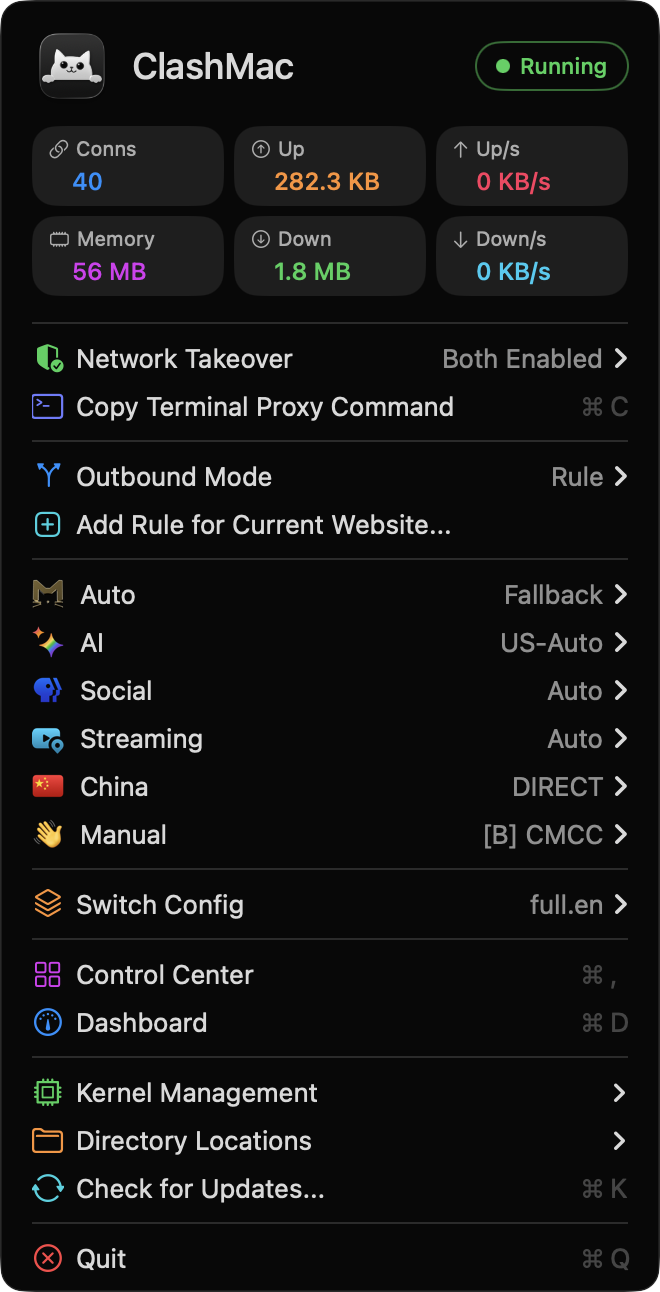
ClashMac Menu Bar

Features

Everything you need for network management on macOS

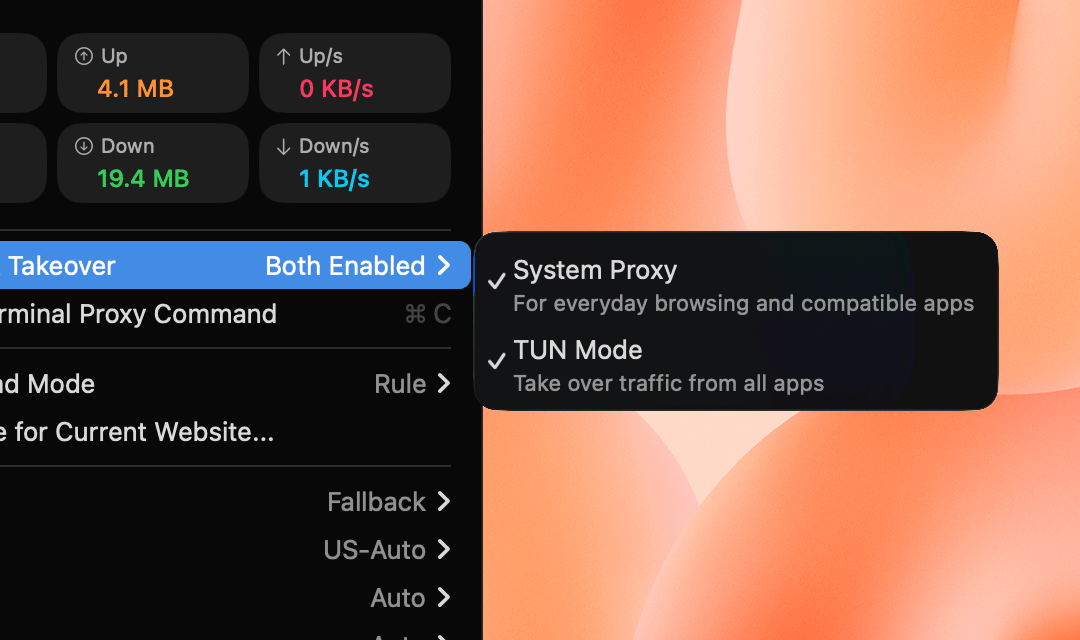
Network Takeover

System Proxy + TUN Enhanced Mode

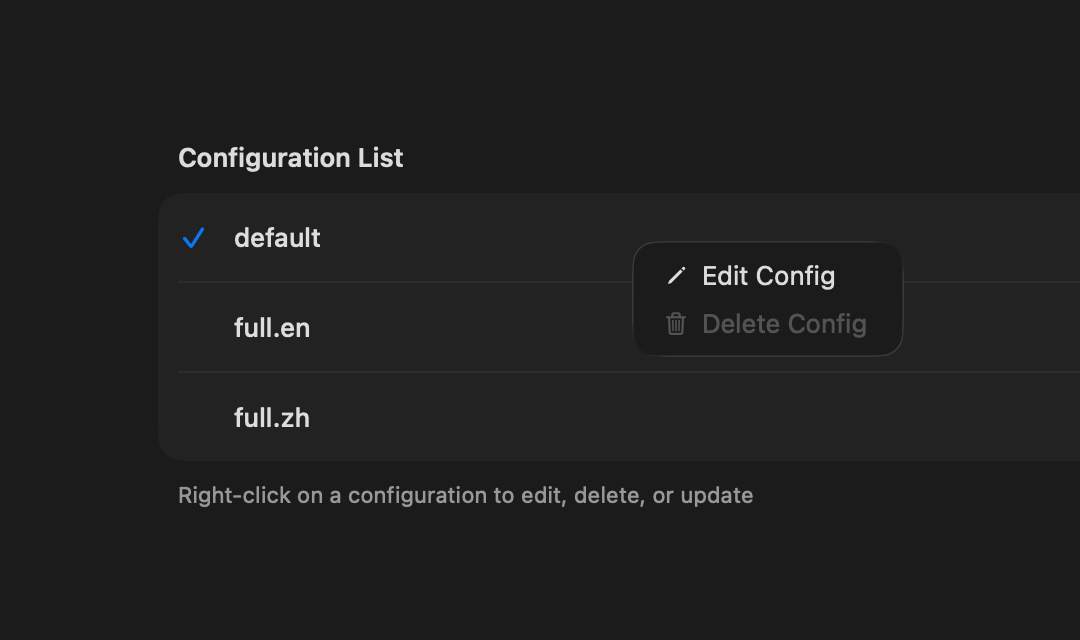
Config Management

Local & Remote Config Import

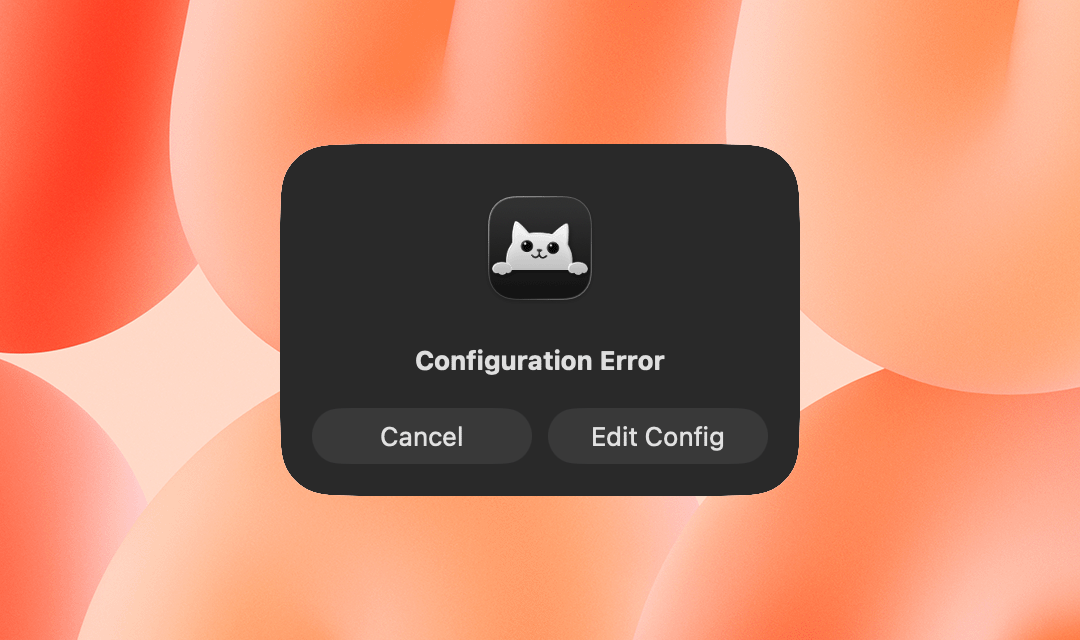
Smart Config

Auto Injection, Respects Your Settings

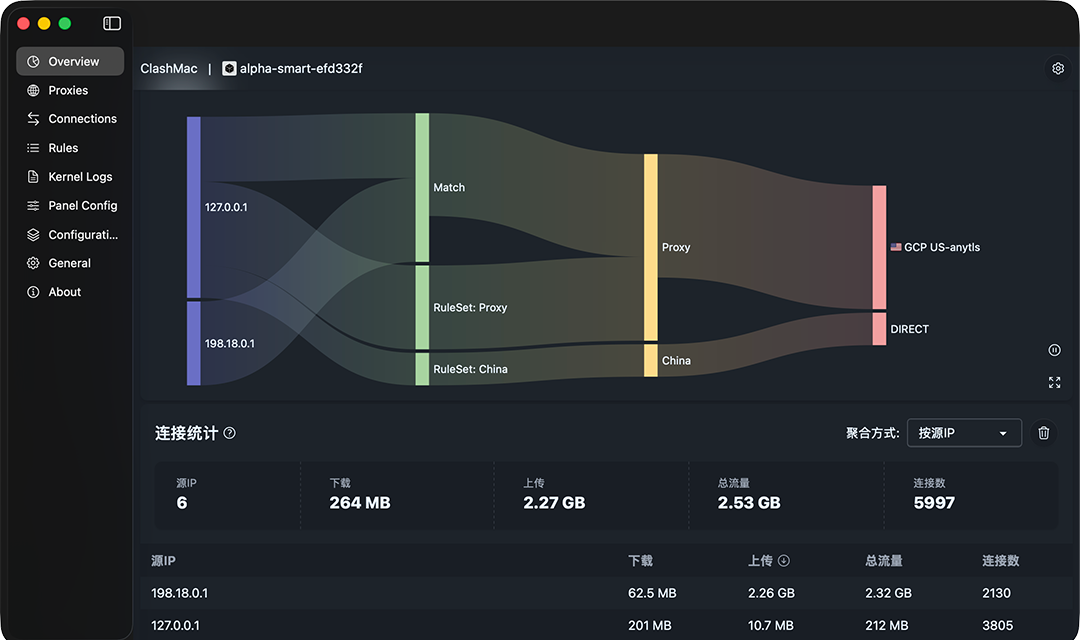
Control Center

All-in-One Dashboard with Zashboard

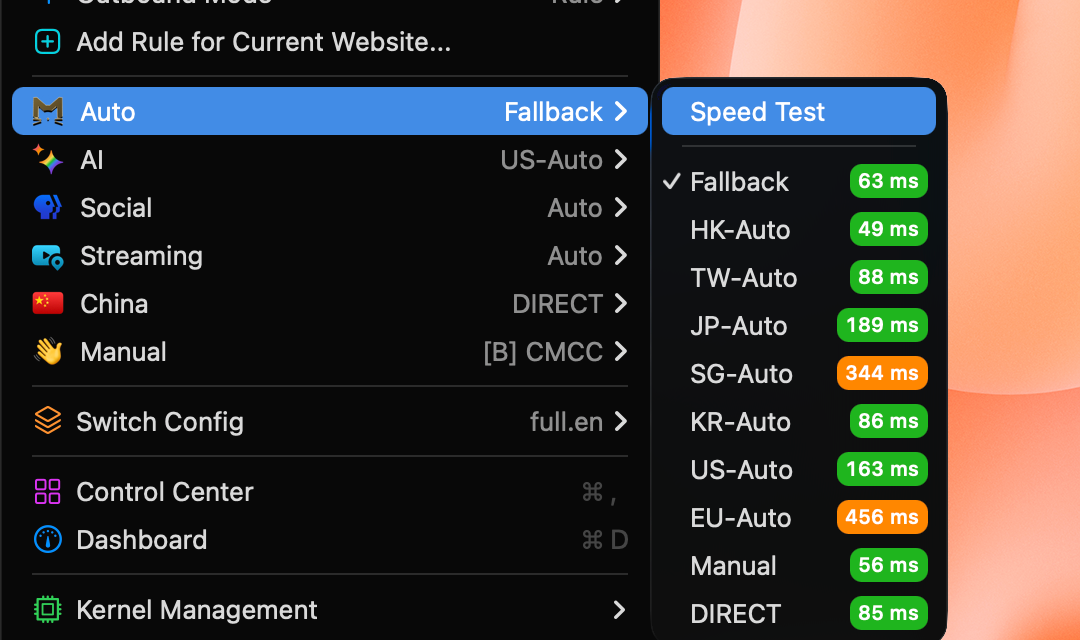
Proxy Groups

Flexible Node Switching & Latency Test

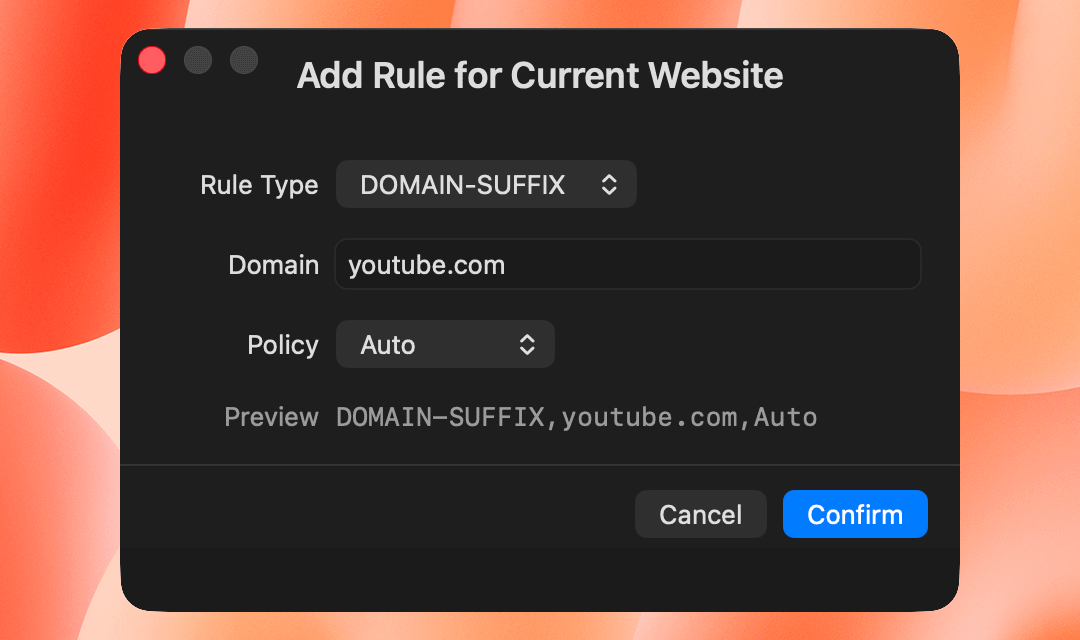
Quick Rule

One-Click Rule for Current Page

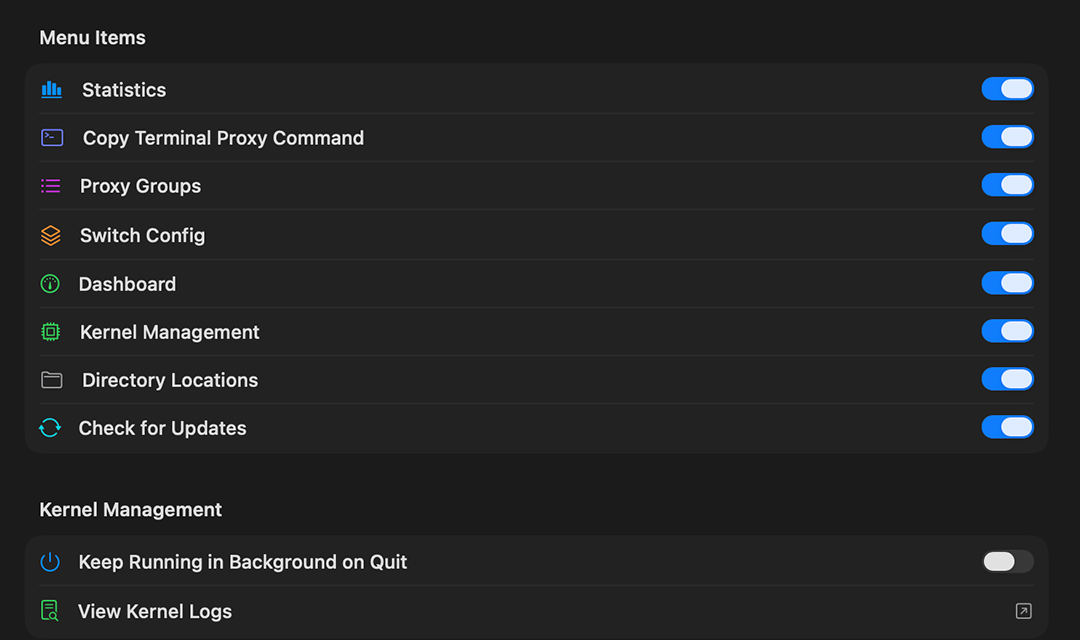
Menu Customization

Show/Hide Menu Items as Needed

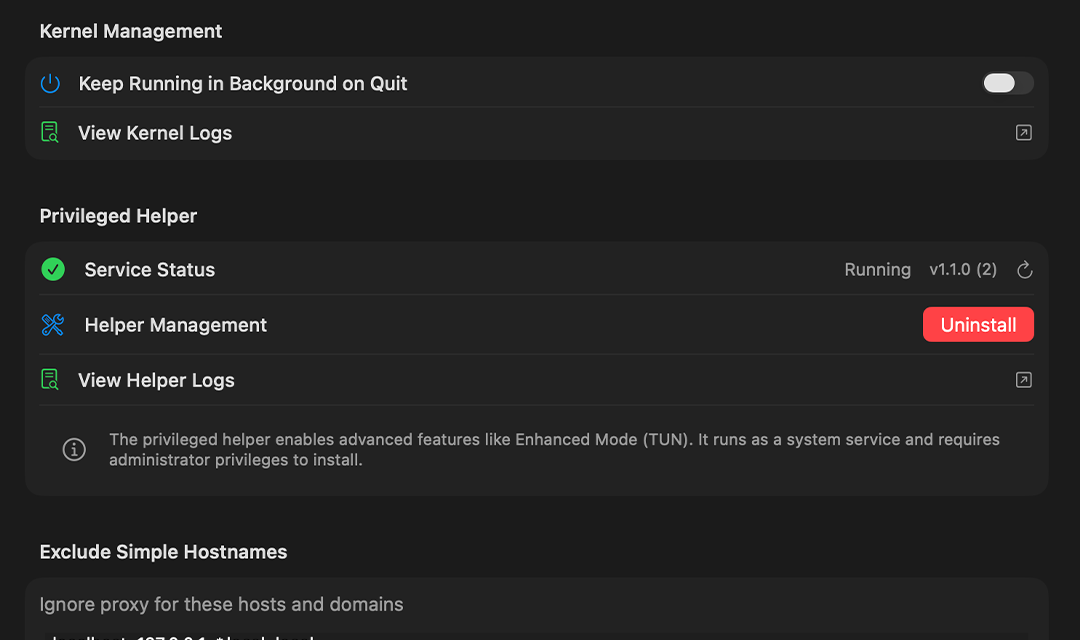
Passwordless

No More Password Prompts

Native Experience

Dark/Light Mode, Bilingual UI

Network Control

System Proxy + Enhanced Mode

  • HTTP/SOCKS5 System Proxy for most applications
  • TUN Enhanced Mode for global traffic capture
  • Enable independently or simultaneously
  • One-click switch, no restart needed
Network Takeover Menu
Configuration

Powerful Config Management

  • Import local YAML/YML config files
  • Import remote subscription URLs
  • Smart auto-naming for subscriptions
  • Auto-update with customizable intervals
Config Management Panel
Intelligence

Smart Configuration

  • DNS & TUN parameters auto-injection
  • GEO database auto-download & update
  • Pre-validation before config switch
  • Respects your custom settings
Config Validation Dialog
Dashboard

All-in-One Control Center

  • Integrated Zashboard for macOS 13+
  • Overview: Real-time traffic statistics
  • Proxy: Group management & node switching
  • Connections, Rules, Logs modules
Zashboard Dashboard
Flexibility

Flexible Proxy Groups

  • Switch nodes directly from menubar
  • One-click latency test & auto-select
  • Smart/URLTest/Fallback group types
  • Pin selected node after manual switch
Proxy Groups Menu
Efficiency

One-Click Rule for Current Page

  • Add proxy rule for current browser page
  • Support DOMAIN-SUFFIX and DOMAIN types
  • Compatible with 14+ browsers
  • Safari, Chrome, Edge, Arc, Brave and more
Quick Rule Dialog
Personalization

Menu Item Visibility Control

  • Configure which menu items to show or hide
  • Simplify interface, keep only what you need
  • Toggle settings in Control Center dashboard
  • Preferences persist across app restarts
Menu Item Settings
System

Say Goodbye to Password Prompts

  • Privileged Helper with one-time authorization
  • System proxy toggle without password
  • Kernel start/stop/restart passwordless
  • Auto version detection & update
Helper Settings Panel
Design

Native macOS Experience

  • Dark/Light mode follows system
  • Menubar real-time speed display
  • Bilingual UI: English & Chinese
  • Keyboard shortcuts: ⌘S ⌘E ⌘D and more
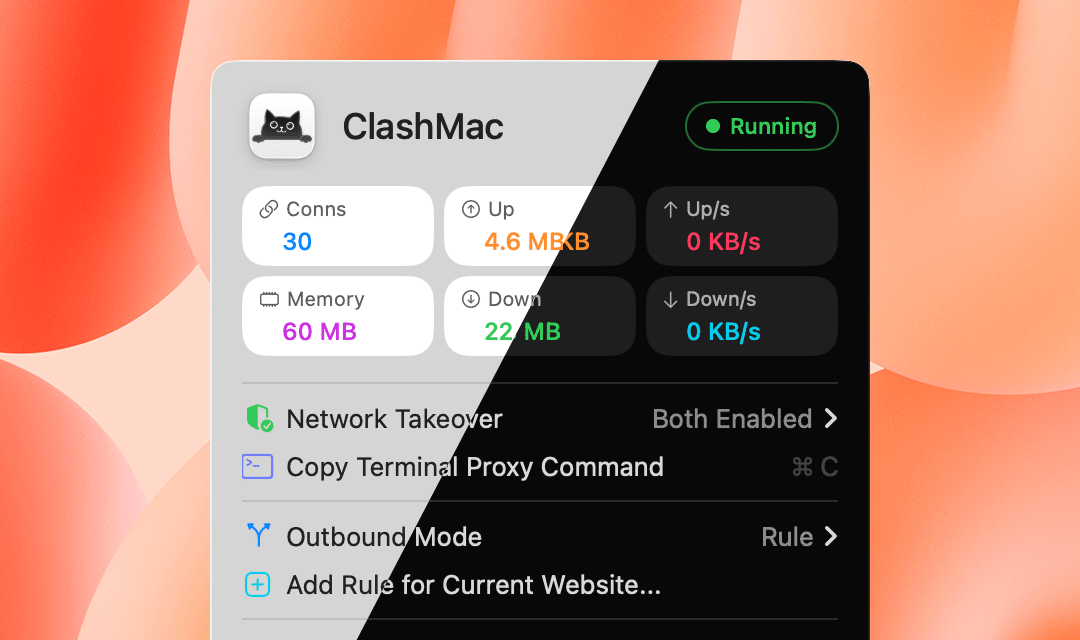
Dark/Light Mode Comparison

More Features

Hot Reload

Auto-apply on config edit

Crash Detection

Auto-diagnose with tips

Config Validation

Pre-check before switch

Kernel Reuse

Detect running instance

Launch at Login

macOS 11.5+ supported

Menubar Speed

Real-time up/down display

Copy Proxy Command

One-click terminal export

System Notifications

Config change feedback

Get ClashMac

Get started with the modern proxy tool for macOS

Apple Silicon Intel x86